NotebookLM and its alternatives: information retrieval at the heart of business needs
NotebookLM, Microsoft AI Search, RAG… these are names I keep hearing in companies. Indeed, I’ve noticed a recurring challenge: employees struggle to quickly find the information they need. Whether it is an HR chatbot to query internal policy, a tool to retrieve business procedures, or an assistant to navigate massive document databases, the demand is always the same: how to access the right information, without wasting time?
This need, though simple in appearance, faces several difficulties: heterogeneity of data (PDFs, emails, internal files), multiplicity of sources (Drive, SharePoint, intranet), and lack of user-friendly tools for non-technicians.
The different possible approaches
Faced with this challenge, several technological strategies are emerging. In this article, we will focus on three major solutions that come up most often in business projects: RAG (custom approach), Microsoft AI Search (in the Microsoft ecosystem), and NotebookLM (in the Google ecosystem).
1. RAG (Retrieval-Augmented Generation)
RAG (Retrieval-Augmented Generation) is today a widely used approach. It consists of enriching a language model with a document base: the system first looks for the relevant passages (retrieval), then generates a contextualized answer from these excerpts (generation). It is an architecture that can adapt to many use cases: internal chatbots, advanced search engines, business assistants, etc.
- Advantages: great flexibility, independence with respect to a particular ecosystem (Google, Microsoft…), advanced customization according to the needs of the company, and total control over how the data is processed and delivered
- Disadvantages: more technical implementation, requiring skills in AI and engineering (building pipelines, hosting, managing embeddings and infrastructure). This also implies non-negligible maintenance and evolution costs.
2. Microsoft solutions : Azure AI Search
For companies already integrated into the Microsoft ecosystem (SharePoint, Teams, Azure), Microsoft AI Search (formerly Azure Cognitive Search) is a natural option. This tool is a managed AI-based search service, which allows indexing varied data (Office documents, PDFs, SQL databases, images…) and making them accessible via full-text search, semantic vector search, or even AI enrichment pipelines (OCR, entity extraction, translation, etc.).
- Advantages: smooth integration with the Microsoft ecosystem, high security and compliance, large processing capacity (scalability), and compatibility with RAG to build conversational assistants.
- Disadvantages: strong dependence on Microsoft, more technical configuration than turnkey solutions, less flexibility than custom development, and costs that can quickly rise with advanced options.
3. Google’s NotebookLM
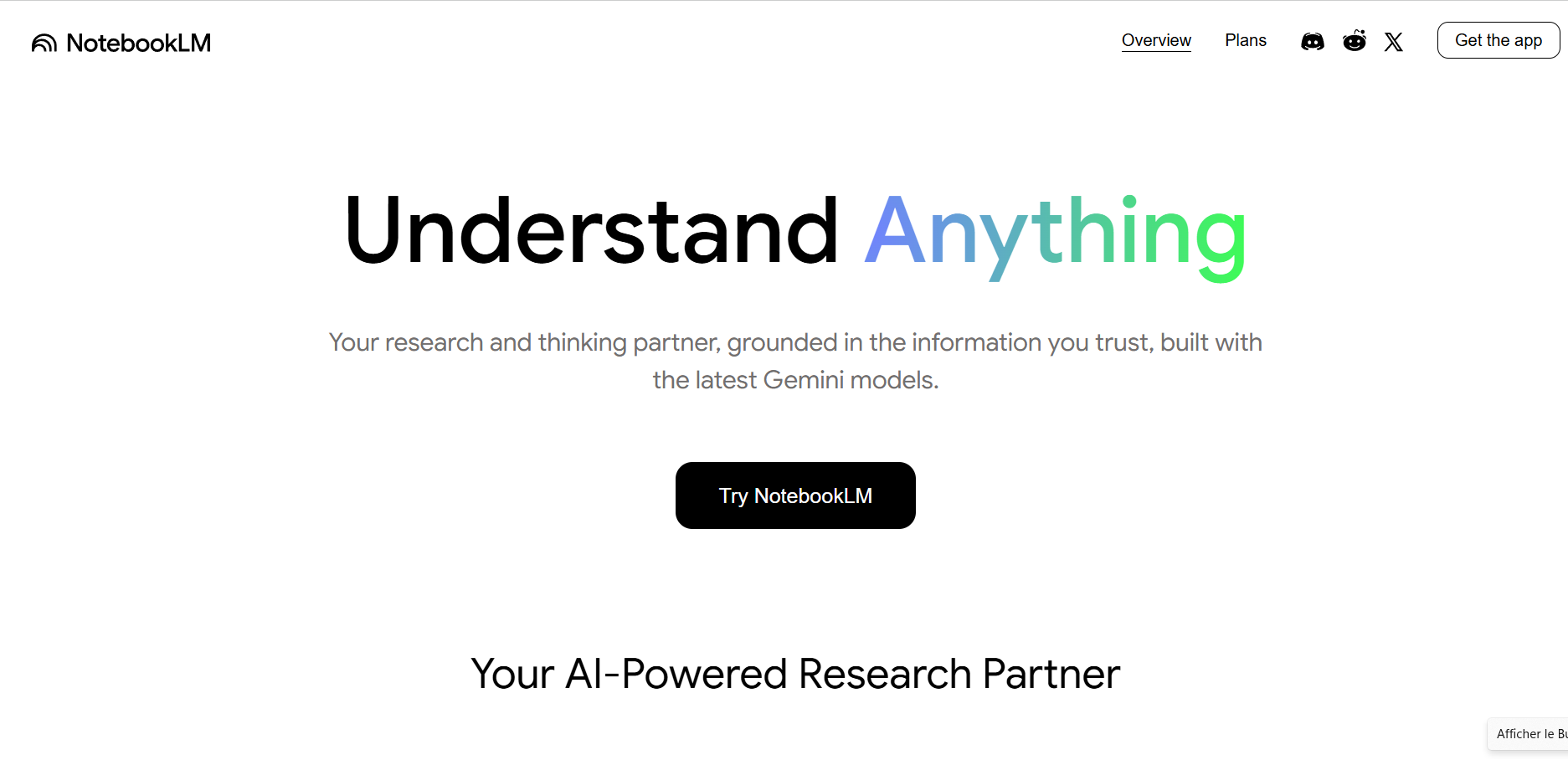
NotebookLM is Google’s tool designed to facilitate research and synthesis of information in your own documents. Unlike a generalist chatbot, it specializes in the documentation you provide it (Google Docs, PDFs, notes, etc.), which makes it a true personalized research assistant.
It stands out for its ease of use: no need for complex pipelines or technical configuration, you just import your documents into a “notebook” and the AI is immediately able to answer your questions, summarize content, or generate structured syntheses. NotebookLM is also very easy to use via a personal Gmail address (see tutorial below).
Advantages:
- Intuitive interface, designed for non-technicians.
- Direct integration with Google Drive and Docs.
- Summarization and contextualization capabilities very useful to synthesize reports, meeting notes, or internal policies.
- Accessible to anyone with a Gmail address (ideal for quick testing).
Disadvantages:
- Limited to the Google ecosystem: less suitable if your documentation is stored elsewhere (SharePoint, internal databases…).
- Fewer customization possibilities than a custom RAG approach.
Tutorial to quickly and easily test NotebookLM
- Log in with a Google account
- Go to notebooklm.google and log in with your Gmail address. The tool is available for free in trial version.
2. Create a new “notebook”
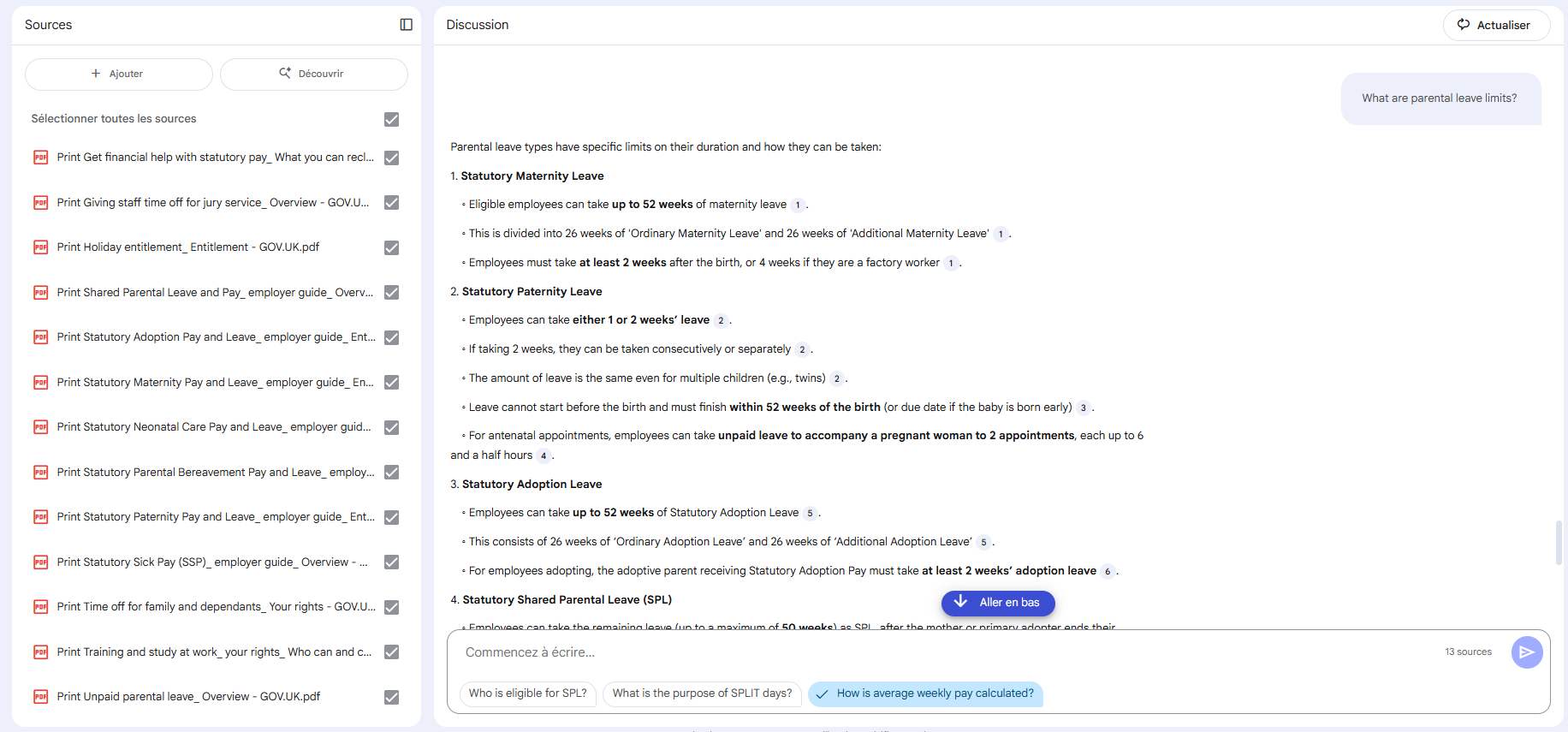
- Click on “Create new notebook” to start.
- Give a title to your notebook (e.g., “Employment leave: rights and obligations”).
3. Add sources
- Import documents (e.g., public documents available on the UK government website GOV.UK about statutory leave and absences).
- You can notably upload PDF files or copy-paste the content of an official page into a Google Doc, then add it to your notebook.
4. Ask your first questions
In the chat bar, test queries such as:
- “What is the statutory minimum holiday entitlement in the UK?”
- “What types of leave are available for family events, such as a wedding or a bereavement?”
- “What are the employee rights in case of statutory sick leave?”
NotebookLM will display the answer, indicating the exact passages of the document it relies on.
Explore the features
- Automatic text summary: generate a clear digest of all rules related to leave and absences.
- Video summary: generate an explanatory video of your documents’ content.
- Mind map: NotebookLM can organize types of leave in a visual map: paid, family, parental, sick, etc.
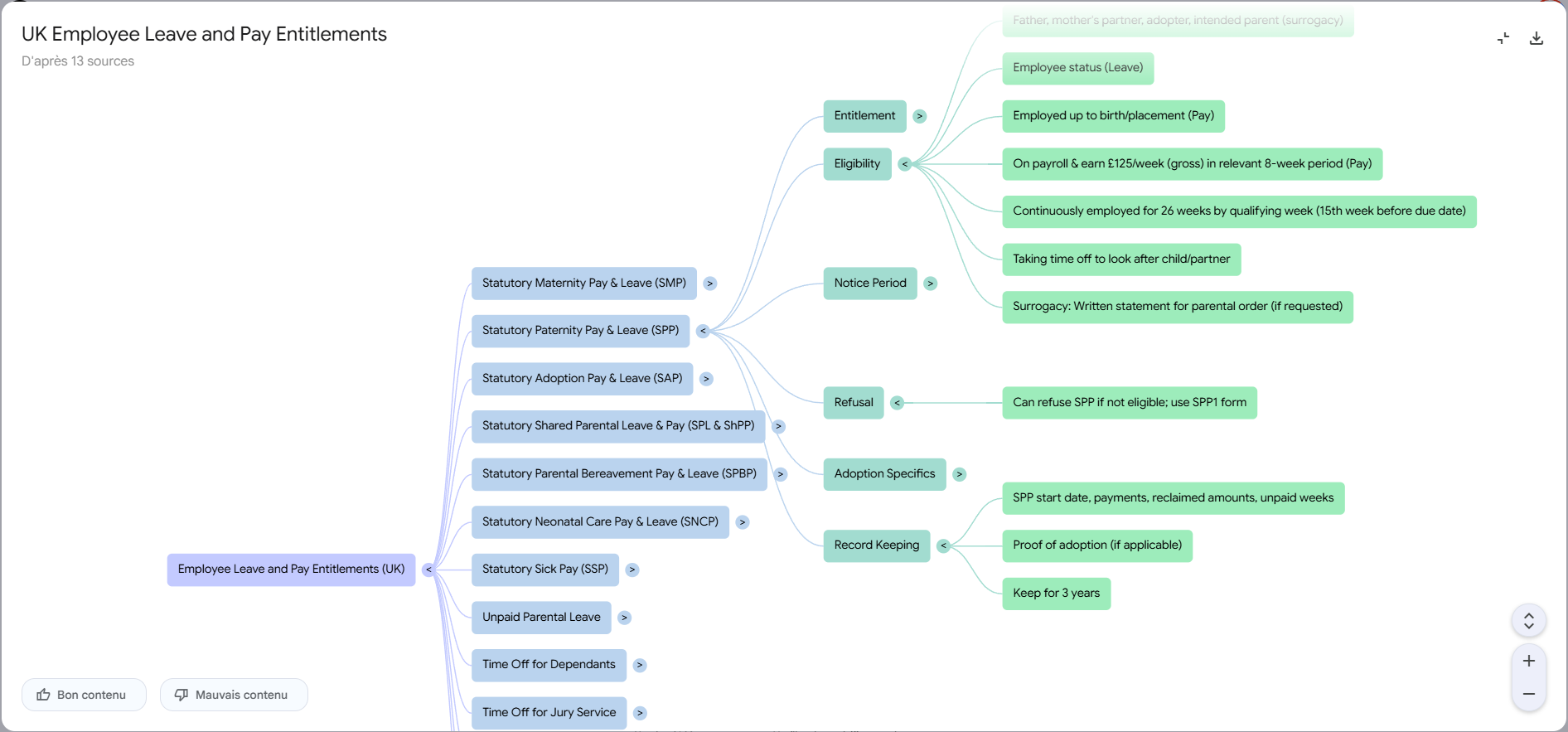
- Automatically generated podcast: NotebookLM can transform the content into an audio discussion between two synthetic voices. This is an original and playful feature, but more anecdotal than truly useful in a professional setting.
👉 In a few minutes, even a non-technical user can transform sometimes dense legislative texts into clear answers, usable summaries, or visual maps easy to understand.
Which choice for which company?
- You are 100% Google Workspace: NotebookLM is a fast, effective, and frictionless solution.
- You are anchored in Microsoft 365: Cognitive Search / AI Search is the natural extension.
- You are looking for a fully custom solution: RAG, with its personalized pipelines, will be the best option, at the cost of greater complexity.
Conclusion
Information retrieval has become a major challenge in a context where employees are overwhelmed with documents and data. Solutions exist to address it, whether turnkey (NotebookLM, AI Search) or more personalized (RAG).
The choice is not just about opting for the most sophisticated tool, nor limiting oneself to the one that integrates most easily. The best option is often found in the balance between performance and integration: the tool must fit into the company’s environment and culture while generating real functional gains.
For further insights on integrating AI into your organization, explore our comprehensive guide.

